> For the complete documentation index, see [llms.txt](https://distance.gitbook.io/distance/llms.txt). Markdown versions of documentation pages are available by appending `.md` to page URLs; this page is available as [Markdown](https://distance.gitbook.io/distance/getting-started/settings/ticket-pipeline.md).
# Ticket pipeline
Define and manage the stages that tickets move through as work progresses.
### **Introduction**
The ticket pipeline defines how tickets are organized and tracked as they move through your workflow.
It allows you to structure work into clear stages, helping your team understand what needs attention, what is in progress, and what has been completed or archived.
***
### **Ticket pipeline**
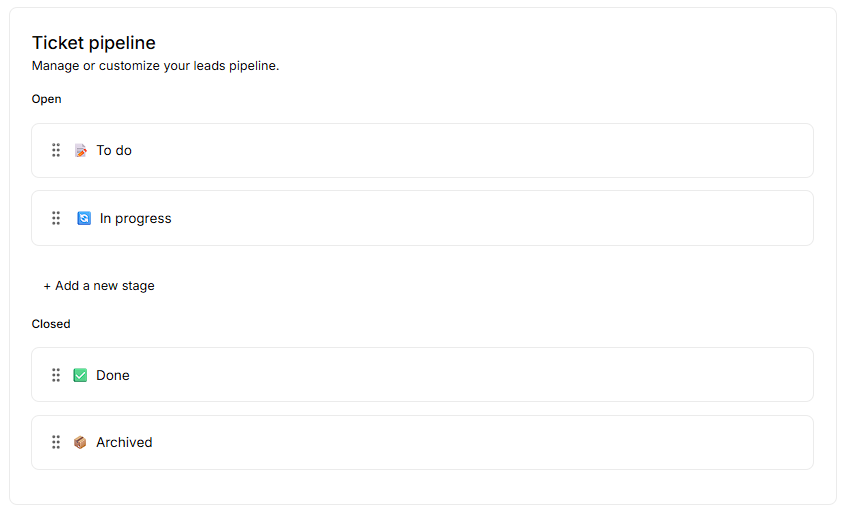
Tickets can be organized into stages such as **To do** and **In progress** for active work, and **Done** or **Archived** for completed or stored tickets.
You can reorder stages or add new ones by clicking **+** **Add a new stage**, allowing you to align the pipeline with your team’s workflow.
This allows your team to structure ticket flow in a way that reflects how work is actually handled.