> For the complete documentation index, see [llms.txt](https://distance.gitbook.io/distance/llms.txt). Markdown versions of documentation pages are available by appending `.md` to page URLs; this page is available as [Markdown](https://distance.gitbook.io/distance/getting-started/campaigns.md).
# Campaigns
A centralized workspace for creating outbound SMS campaigns, monitoring delivery, and reviewing campaign activity.
### **Introduction**
**Campaigns** is where your team creates and manages outbound SMS outreach in Distance. From this page, you can launch new campaigns, review previously sent campaigns, and track delivery results across recipients.
When a campaign is sent, Distance records the campaign configuration, assigned AI agent, message content, and delivery results, allowing you to easily monitor and audit outreach activity.
***
### **Campaigns overview**
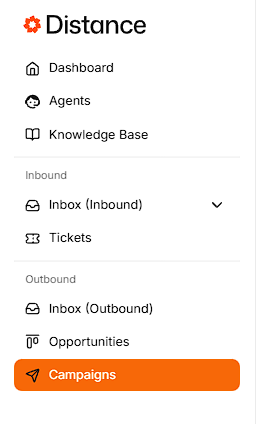
Navigate to **Campaigns** from the left sidebar.
At the top of the page you can click **Create campaigns** to open the campaign builder and create a new campaign.
#### **Create a new campaign**
This section provides prebuilt campaign templates to help you quickly start a campaign.
* **Seasonal promotion** – Run a timely offer
* **Last minute availability** – Fill open slots fast
* **Referral push** – Turn customers into referrals
* **Repeat customer offer** – Bring past customers back
* **Limited time offer** – Create urgency fast
* **New service announcement** – Promote something new
Below this is the **Latest campaigns** section, which displays all previously sent campaigns.
The campaign table includes **Campaign** name (including date and time sent), **Channel**, **Status**, and a **View** button to access full details.
***
### **Viewing campaign details**
Each campaign includes a detailed view where you can review its configuration, delivery results, and message content.
Click **View** on a campaign to see its full details.
The campaign details section displays the following information:
* **Agent** (AI agent name)
* **Channel** (**SMS** or **Email**)
* **Status** (for example, Completed)
* **Created** (date and time)
* **Message** (message content)
Recipient details display the following information:
* **Recipient** (phone number)
* **Status** (Delivered or Failed)
* **Sent at** (date and time)
* **Message content**
This view allows your team to verify delivery, review message content, and confirm which AI agent handled replies.